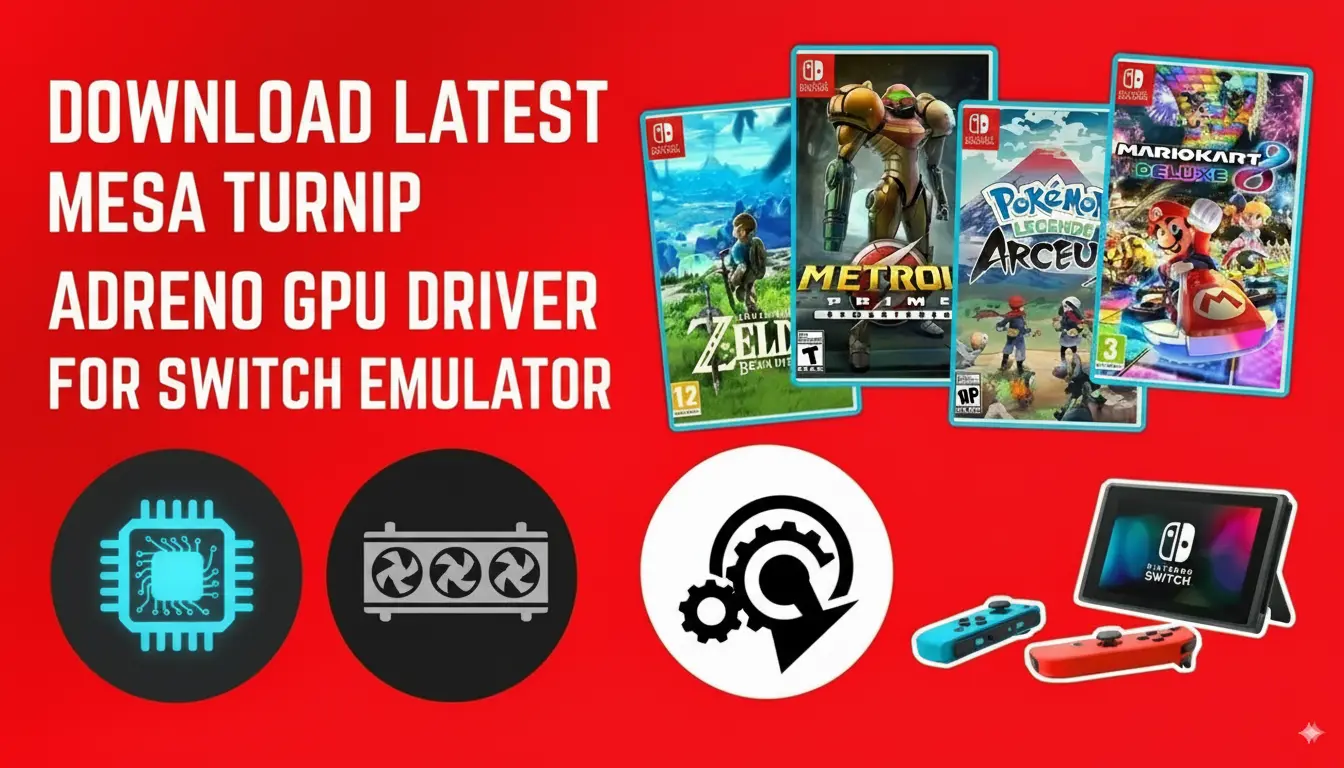
Are you frustrated with lag, glitches, or crashes while emulating Nintendo Switch games on your PC or Android device? The answer could be as simple as updating your GPU drivers. Whether you’re using Uzuy edge, Mesa, Turnip, Adreno, or Mali drivers, ensuring you have the latest versions installed is Prod.key to unlocking smooth gameplay and stunning graphics.
Many gamers overlook the importance of drivers like the GPU driver for Uzuy Android Mali or Uzuy Edge GPU driver. Outdated drivers can result in poor performance, affecting your experience across different devices. Fortunately, updating these drivers can make a world of difference, boosting stability and performance on both PC and Android platforms.
In this post, we’ll show you exactly how to download the latest GPU driver for Uzuy Android and PC, ensuring you get the most out of your Switch emulator. By the end, you’ll have a step-by-step guide to updating drivers and optimizing your gaming experience—whether on your PC or Android. Ready to elevate your emulation setup? Let’s get started!
What is Uzuy?
Uzuy is a powerful Nintendo Switch emulator that lets you play your favorite Nintendo Switch games on both PC and Android devices. By emulating the console’s hardware, Uzuy provides a seamless gaming experience, allowing you to enjoy Switch titles with enhanced graphics and smoother performance.
However, to truly unlock its potential, it’s crucial to have the right drivers installed. With the proper GPU drivers, like Uzuy GPU driver for Android, Mali GPU Android, and Adreno, you’ll ensure smooth gameplay, reduced lag, and a much more immersive experience. Keep your drivers up to date, and you’ll be able to get the most out of your Uzuy emulator, whether you’re gaming on PC or Android.
What Is a Mali GPU?
A Mali GPU is a powerful graphics processing unit (GPU) developed by ARM Holdings, designed to handle all the visual and graphical tasks on Android devices, from gaming and video playback to running Android emulators smoothly.
In simple terms, the Mali GPU is what enables your phone or emulator to render 3D graphics, process animations, and deliver high-quality visuals without lag. It’s widely integrated into chipsets from MediaTek, Samsung Exynos, and HiSilicon Kirin, making it one of the most common GPU architectures found in Android smartphones and tablets.
For Android emulation, the Mali GPU Driver plays a critical role. It provides hardware acceleration for rendering graphics in emulators like Uzuy, Eden Emulator, or Suyu, improving frame rates, reducing input lag, and delivering a more realistic gaming experience. Because Mali GPUs support modern APIs such as Vulkan, OpenGL ES, and OpenCL, they ensure smooth performance and compatibility with a wide range of emulator-based Android games and applications.
What are Uzuy Drivers?
Uzuy drivers are essential for optimizing the emulator’s performance. They act as intermediaries between the Uzuy emulator software and your device’s hardware, ensuring smooth communication and enhancing gameplay on both PC and Android. Proper drivers help reduce lag, improve graphics, and ensure a seamless gaming experience.
All Switch GPU Drivers (Qualcomm Snapdragon, Adreno & Turnip ) Mali GPU Android Download
| GPU Driver Versions | Download |
|---|---|
| Mesa Turnip driver v24.3.0 – Revision 5 (Latest Version) | MediaFire |
| Mesa Turnip driver v24.3.0 – Revision 4 | MediaFire |
| Mesa Turnip driver v24.3.0 – Revision 3 | MediaFire |
| Mesa Turnip driver v24.3.0 – Revision 2 | MediaFire |
| Mesa Turnip driver v24.3.0 – Revision 1 | MediaFire |
| Mesa Turnip driver v24.2.0 – Revision 22 | MediaFire |
| Mesa Turnip driver v24.2.0 + A7xx basic support | MediaFire |
| Qualcomm driver v744.19 | MediaFire |
| Mesa Turnip driver v24.2.0 Experimental R19 | MediaFire |
| Mesa Turnip driver v24.2.0 – Revision 19 | MediaFire |
| Mesa Turnip driver v24.2.0 + Adreno A32 Support | MediaFire |
| Mesa Turnip driver v24.1.0 – Revision 18 | MediaFire |
| Qualcomm Driver v744.16 | MediaFire |
| Qualcomm Driver v757 | MediaFire |
| Qualcomm Driver v744.12 | MediaFire |
| Qualcomm driver v744.8 | MediaFire |
| Qualcomm driver v744.5 | MediaFire |
| Qualcomm driver v744.4 | MediaFire |
| Qualcomm driver v676.47 | MediaFire |
| Qualcomm driver v615.77 | MediaFire |
| Turnip Driver by Mark v2 | DOWNLOAD |
|---|---|
| Mesa Turnip driver v24.0.0 – Revision 13 (NEW) | MediaFire |
| Mesa Turnip Driver v24.0.0 + A7xx basic support – R12 (Latest Version) | MediaFire |
| Mesa Turnip Driver v24.0.0 – R11 | MediaFire |
| Mesa Turnip Driver v24.0.0 + A7xx basic support | MediaFire |
| Mesa Turnip Driver v23.3.0 + A7xx basic support – R9 | MediaFire |
| Mesa Turnip Driver v23.3.0 + A7xx basic support – R8 | MediaFire |
| Mesa Turnip Driver v23.3.0 + A7xx basic support – R6 | MediaFire |
| Mesa Turnip Driver v23.3.0 + A7xx basic support – R5 | MediaFire |
| Mesa Turnip Driver – v23.3.0-dev, Vulkan 1.3.258 | MediaFire |
| Mesa Turnip Driver – v23.3.0-dev, Vulkan 1.3.255 + a7xx basic support | MediaFire |
| Mesa Turnip Driver v23.2.0 + a7xx basic support v2 FIX2 | MediaFire |
| Turnip Vulkan Driver v23.2.0 + a7xx basic support | MediaFire |
| Mesa Turnip Driver – v23.3.0-dev, Vulkan 1.3.261 | MediaFire |
| Mesa Turnip Driver v23.2.0 + A7xx basic support – R5 | MediaFire |
| Mesa Turnip Driver v23.2.0 + A7xx basic support – R4 | MediaFire |
| Mesa Turnip Driver v23.2.0 + A7xx basic support – R3 | MediaFire |
| Freedreno Turnip Vulkan Driver v23.2.0 – (5/5/23) – FIXED | MediaFire |
| Mesa3D Turnip Driver v23.1.0-dev | MediaFire |
| Mesa3D Turnip Driver v23.0.3 | MediaFire |
| Turnip-v22.3.6-r1 | MediaFire |
| Turnip-v22.3.5-r2 | MediaFire |
| Turnip-v22.3.5-r1 | MediaFire |
| Turnip-v22.3.4-r2 | MediaFire |
| Turnip-v22.3.4-r1 | MediaFire |
| Turnip v22.3.3-r2 – ft.lybxlpsv | MediaFire |
| Turnip v22.3.3-R1 | MediaFire |
| Turnip v22.3.2-R2.zip | MediaFire |
| Turnip v22.3.2-R1 | MediaFire |
| Turnip-v22.3.1-R2 | MediaFire |
| Turnip Driver v25 | MediaFire |
| Turnip Driver v24 | MediaFire |
| Turnip Driver v12 | MediaFire |
| Turnip-KGSL Rework | MediaFire |
| Turnip v22.3.3-r2 – ft. lybxlpsv | MediaFire |
| Turnip driver by Mark v1 | MediaFire |
| Turnip Driver v26 | MediaFire |
| Turnip Driver v22.3.1-r2 | MediaFire |
Download Mali GPU Drivers Zip [Latest Version]
| Mali GPU Driver Name | Download |
|---|---|
| ARM Mali-G68 MP4-1(1) | [Download] |
| ARM Mali-G78 MP14 | [Download] |
| custom_mali_driver | [Download] |
| Phoenix driver v24.1.0 – R1 – Mali | [Download] |
| ARM Mali-G68 MP4-1 | [Download] |
| ARM Mali-G610 MP3_Driver | [Download] |
| MALI G52 MC2 | [Download] |
| ARM Mali-G72 MP3_Driver | [Download] |
| Arm Mali-G610 | [Download] |
| ARM Mali-G76 MP4 | [Download] |
| ARM Mali-G615_Driver | [Download] |
| new mali drivers | [Download] |
| valhall_mali | [Download] |
| ARM Mali-G57 MC2_Driver | [Download] |
| ARM Mali-G77 MP9_Driver-1-1 | [Download] |
| ARM Mali-G710 MP7_Driver | [Download] |
| OpenCL mali | [Download] |
Qualcomm Snapdragon GPU Driver:
| Qualcomm driver 744.8 (NEW) | GPU Driver Link |
| Qualcomm Driver v676.42 | MediaFire |
| Qualcomm Driver v676.40 | MediaFire |
| Qualcomm Driver v676.39 | MediaFire |
| Qualcomm Driver v676.32 | MediaFire |
| Qualcomm Driver v690 | MediaFire |
| Qualcomm Driver v682 | MediaFire |
| Qualcomm Driver v676.16 | MediaFire |
| Qualcomm Driver v676.13 | MediaFire |
| Qualcomm Driver v676.22 FIX | MediaFire |
| Qualcomm driver v615.65 | MediaFire |
| Qualcomm Driver v687 | MediaFire |
| Qualcomm Driver v676.12 | MediaFire |
| Qualcomm Driver v676.9 | MediaFire |
| Qualcomm Driver v676.3 | MediaFire |
| Qualcomm Driver v676 | MediaFire |
| Qualcomm Driver v672 | MediaFire |
| Qualcomm Driver v667 | MediaFire |
| Qualcomm Driver v615.50 | MediaFire |
| Qualcomm Driver v615.37 | MediaFire |
| Qualcomm Driver v615.4 | MediaFire |
| Qualcomm Driver v615 | MediaFire |
If you are using the Uzuy emulator or any other Nintendo Switch emulator on an Android device powered by Adreno GPUs, such as the Adreno 600 series (e.g., Snapdragon 720G, Snapdragon 888) or Adreno 700 series (e.g., Snapdragon 8 Gen 1/2), keeping your GPU drivers up to date is essential for unlocking improved performance and compatibility.
For Adreno 600 series GPUs, the Mesa Turnip drivers offer strong compatibility with a wide range of games. However, it’s important to note that Qualcomm’s official drivers may still outperform Mesa drivers in certain titles. On the other hand, the Adreno 700 series GPUs deliver impressive raw power but may experience occasional rendering issues. Fortunately, Turnip drivers have significantly enhanced their support for these newer GPUs, making them a reliable option for optimizing your emulator experience.
By staying up to date with the latest drivers, you can ensure smoother gameplay and enhanced visuals for your favorite Nintendo Switch titles.
Download Uzuy Edge, Yuzu GPU Drivers Turnip 8 Gen 1/2
| YUZU TURNIP DRIVERS | DOWNLOAD |
|---|---|
| Turnip23.2.0v1 | MediaFire |
| Turnip23.2.0v2 A7xx | MediaFire |
| Turnip23.2.0v2 A7xxFix | MediaFire |
| Turnip23.2.0v2 A7xxFix2 | MediaFire |
Download Uzuy Edge, Yuzu Drivers 8 Gen 1/2
| YUZU DRIVERS (SD 8 GEN 1 & 1) | DOWNLOAD |
|---|---|
| 667v1 | MediaFire |
| 672v1 | MediaFire |
| 674v2 | MediaFire |
| 676v1 | MediaFire |
| 676v3 | MediaFire |
| 676.9 | MediaFire |
| 676.13 | MediaFire |
| 676.16 | MediaFire |
| 676.22 | MediaFire |
| 676.32 | MediaFire |
Yuzu, Uzuy Edge GPU Drivers Turnip Apenas for Adreno 600
| YUZU TURNIP DRIVERS (FOR ADRENO 600 SERIES) | DOWNLOAD LINKS: |
|---|---|
| Mesa3D Turnip v23.0.3 | MediaFire |
| Turnipft.lybyxlpsv | MediaFire |
| TurnipFixesv1 | MediaFire |
| TurnipFixesv2 | MediaFire |
| Turnip v23 | MediaFire |
| Turnip v24 | MediaFire |
| Turnip v25 | MediaFire |
| Turnip v26 | MediaFire |
| Turnip22.3.1-R2 | MediaFire |
| Turnip22.3.2-R1 | MediaFire |
| Turnip22.3.2-R2 | MediaFire |
| Turnip22.3.3-R2 | MediaFire |
| Turnip22.3.4-R2 | MediaFire |
Download Uzuy Emulator, Yuzu Drivers By Mr.Purple
| UZUY DRIVERS (ADRENO 600) | DOWNLOAD |
|---|---|
| Turnip-23.2.0-R22_KS Novo | MediaFire |
| Turnip23.2.0A7xx Gen1/2 | MediaFire |
| Turnip23.2.0 New | MediaFire |
| Turnip22.3 | MediaFire |
| Turnip23R1 | MediaFire |
| Turnip23R2 | MediaFire |
| Turnip23R3 | MediaFire |
| Turnip23R4 | MediaFire |
| Turnip23R5 | MediaFire |
| Turnip23R6 | MediaFire |
| Turnip23R7 | MediaFire |
| Turnip23R8 | MediaFire |
| Turnip23R9 | MediaFire |
| Turnip23R10 | MediaFire |
| Turnip22.3.3 | MediaFire |
| Drivers Port Egg NS | MediaFire |
Download GPU Drivers for Adreno 600
| YUZU DRIVERS FOR ADRENO 600 | DOWNLOAD |
|---|---|
| v530v1 | MediaFire |
| 615v3 | MediaFire |
| 615v4 | MediaFire |
| 615.37 | MediaFire |
| 642v1 | MediaFire |
| 655v1 | MediaFire |
| 615.50 | MediaFire |
| 674v1 | MediaFire |
| 667v1 | MediaFire |
| 676v1 | MediaFire |
| 690v1 | MediaFire |
| 682v1 | MediaFire |
How to Check if Your Device Has a Mali GPU
If you’re wondering whether your Android smartphone or tablet is powered by a Mali GPU, you’re not alone. Knowing your GPU type helps you understand your device’s graphics capabilities,
optimize gaming performance, and ensure compatibility with demanding apps or emulators like Uzuy Emulator. Here’s a clear, step-by-step guide to help you confirm if your device uses a Mali GPU — explained in a practical, easy-to-follow way.
1. Check Device Specifications Online
The simplest way to verify your GPU is by checking your phone’s hardware details online.
- Visit your device manufacturer’s official website or trusted sources like GSMArena.
- Search for your phone model and scroll to the “Hardware” or “Chipset” section.
- If you see something like Mali-G78, Mali-G57, or Mali-T860, your device runs on a Mali GPU.
This method is quick, accurate, and ideal if you’re researching before buying a device.
2. Use a System Information App
You can also check directly on your phone using free tools from Google Play Store.
- Download Android apps like AIDA64, CPU-Z, or Device Info HW.
- Open the app and go to the “GPU” or “Graphics” tab.
- app will display the GPU model used in your device. If the name starts with “Mali,” it’s a Mali GPU.
3. Check in Developer Options
For users who like exploring settings, Android’s Developer Options also reveal GPU information.
- Go to Settings → About Phone.
- Tap Build Number seven times to enable Developer Options.
- Navigate back to Settings → Developer Options → GPU Renderer (or similar).
- If it mentions Mali, your phone is running a Mali GPU.
4. Identify by Processor (SoC) Brand
Many processors come bundled with specific GPU families. For instance:
- MediaTek Helio / Dimensity chips usually pair with Mali GPUs.
- Samsung Exynos and HiSilicon Kirin processors also use Mali GPUs.
Frequently Asked Questions (FAQs)
1. What is Mali GPU?
Mali GPU is a graphics processor designed by ARM, integrated into various chipsets for Android devices to handle visual and gaming tasks.
2. What is the Uzuy Android GPU driver, and why do I need it?
The Uzuy Android GPU driver is a software component that optimizes the performance of your Android device when using the Uzuy emulator to play Nintendo Switch games. It ensures smooth gameplay by allowing better communication between the GPU and the emulator. Keeping it updated is essential for minimizing lag, glitches, and crashes.
3. Can I use the Uzu GPU driver with other Switch emulators like Yuzu or Skyline?
Yes, the Uzuy Android GPU driver is compatible with other popular Nintendo Switch emulators like Yuzu and Skyline. However, for the best results, it’s always recommended to use the latest drivers and ensure compatibility with your emulator version.
4. Is Mali GPU Good for Gaming?
Yes, Mali GPUs are well-suited for gaming, especially on Android devices. They are designed to deliver smooth graphics, efficient performance, and support for advanced technologies like Vulkan and OpenGL. High-end Mali GPUs, such as the Mali-G78, handle demanding games with ease, while mid-range models provide a solid experience for casual and moderately intensive gaming.
5. Mali GPU vs Adreno GPU
When compared to Adreno GPUs (found in Snapdragon chips), Adreno often leads in raw performance and optimization. But Mali GPUs catch up with better efficiency and wider manufacturer support.


![Yuzu Android GPU Drivers Download [All Drivers Latest Version] 2025](https://uzuyemulator.net/wp-content/uploads/2025/09/Yuzu-Android-GPU-Drivers-Download-150x150.webp)






the Mali link are all dead fix please