Uzuy Emulator is like magic for bringing Nintendo Switch games to your Android device. It needs something essential: prod keys and firmware to make everything run smoothly. These files work together to unlock game data and ensure the emulator runs without issues.
For the Uzuy Edge Emulator, product keys are absolutely necessary to play Nintendo Switch games. While firmware isn’t always required, adding it can improve performance and compatibility for certain titles. Unlike some emulators, Uzuy Edge Emulator can work with just prod keys, but having the latest firmware ensures a smoother and more stable gaming experience.
Without these files, the emulator won’t be able to load or run games properly, making them a critical part of the setup process. Be sure to grab the latest prod keys and firmware for the Uzuy Edge Emulator to unlock the full potential of your gaming library!
Download Uzuy Nintendo Switch Firmware ( Versions, Global)
Nintendo launched a new update, Version 20.3.0, focusing on general system stability improvements to enhance the user’s experience. These updates aim to improve the overall performance and reliability of the Nintendo Switch system.
The update makes the system better and more stable. Click below to get the latest Nintendo Switch Firmware.
| Version | MD5 HASH | File Size | Links |
|---|---|---|---|
| v20.3.0 | 340MB | DOWNLOAD | |
| v20.2.0 | 340MB | DOWNLOAD | |
| V20.1.5 | 340MB | DOWNLOAD | |
| v20.1.1 | 340MB | DOWNLOAD | |
| v20.1.0 | 340MB | DOWNLOAD | |
| v20.0.1 | 552422f6fcb135b47a1250c48ae5a2d7 | 339MB | DOWNLOAD |
| v20.0.0 | 674d839e3022d70e75800c822c8e8466 | 339MB | DOWNLOAD |
| v19.0.1 | 322MB | DOWNLOAD | |
| v19.0.0 | 2ce401a4cdee011824c2487e0f1446a9 | 322MB | DOWNLOAD |
| v18.1.0 | dfd91e2bc34ebf81897a2c65723ee396 | 320MB | DOWNLOAD |
| v18.0.1 | 70b1e47e6148974e6f35ccb32042d80e | 323MB | DOWNLOAD |
| v18.0.0 | 8dbacdbaa4e90be98ed0706f7e90a241 | 323MB | DOWNLOAD |
| v17.0.1 | 5a56b448fcdf173aa0785ee95c3bbdad | 323MB | DOWNLOAD |
| v17.0.0 | 907f7c99ba54ff84aba5dfc9e22df968 | 323MB | DOWNLOAD |
| v16.1.0 | c32db52758a4bf6503869db531012e3d | 325MB | DOWNLOAD |
| v16.0.3 | 325MB | DOWNLOAD | |
| v16.0.2 | 462c6a0d29daa4170c37ad1b95899bd5 | 325MB | DOWNLOAD |
| v16.0.1 | cb287286188dc3072352af2bb4830911 | 325MB | DOWNLOAD |
| v16.0.0 | 9feda64cab86f851f1630979ae33a6d5 | 325MB | DOWNLOAD |
| v15.0.1 | 322MB | DOWNLOAD | |
| v15.0.0 | a7023429f85fdd3a40b4661188f5b65a | 322MB | DOWNLOAD |
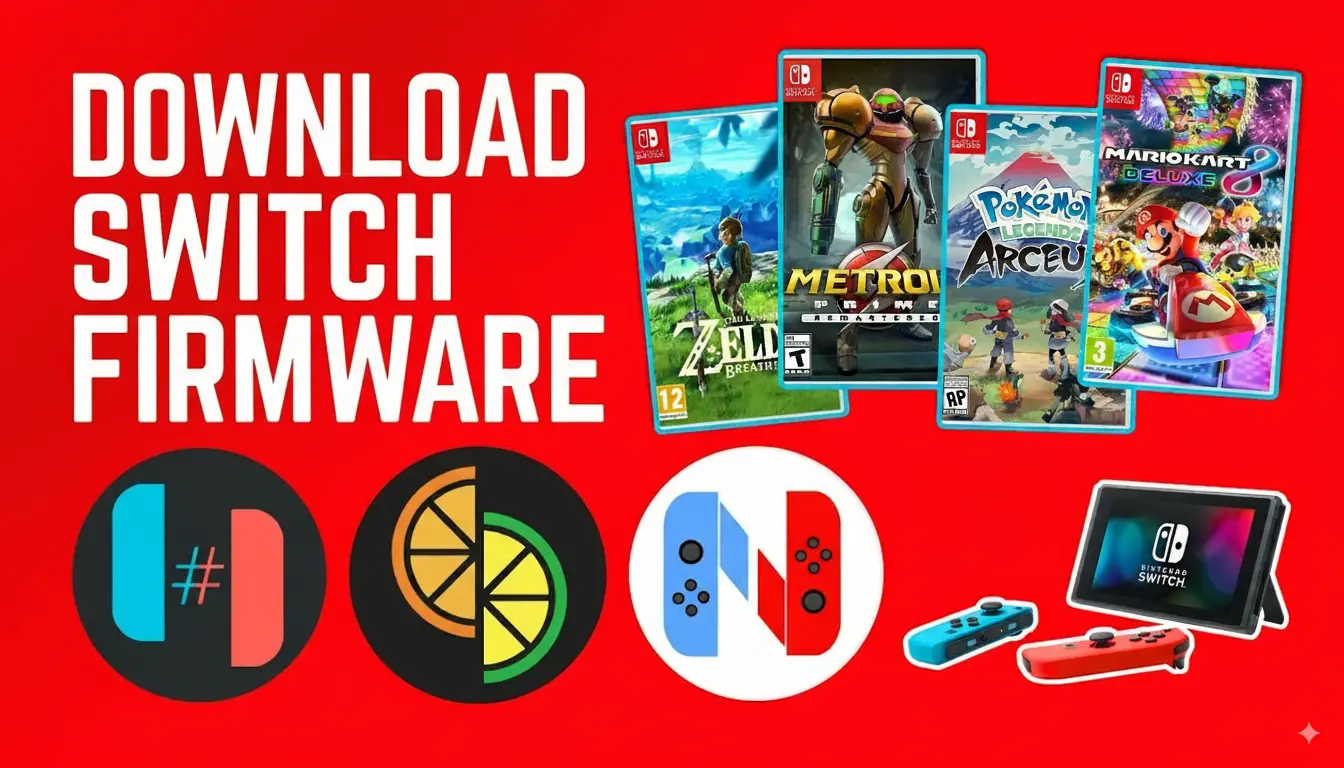
This Nintendo Switch emulator needs special files called Switch firmware. You can get the latest versions and install them on the emulator. We have both the Global and China firmware available for you to set up on the Switch Emulator.
For Ryujinx emulators, having this firmware is most important. It helps fix a common problem called “Ryujinx Error ryu 0002 Firmware Not Found.” If you see this error, it means the emulator is missing the firmware file. Install the file, and play Switch games on the emulator without any issues.
Download Uzuy Switch Firmware (Versions, China)
| Version | File Size | Links |
|---|---|---|
| v18.1.0 | 320MB | DOWNLOAD |
| v18.0.1 | 323MB | DOWNLOAD |
| v18.0.0 | 323MB | DOWNLOAD |
| v17.0.1 | 323MB | DOWNLOAD |
| v17.0.0 | 323MB | DOWNLOAD |
| v16.1.0 | 325MB | DOWNLOAD |
| v16.0.2 | 325MB | DOWNLOAD |
| v16.0.1 | 325MB | DOWNLOAD |
| v16.0.0 | 325MB | DOWNLOAD |
| v15.0.1 | 322MB | DOWNLOAD |
| v15.0.0 | 322MB | DOWNLOAD |
| v14.1.2 (Rebootless Update 3) | 320MB | DOWNLOAD |
| v14.1.2 (Rebootless Update 2) | 320MB | DOWNLOAD |
| v14.1.2 (Rebootless Update) | 320MB | DOWNLOAD |
| v14.1.2 | 320MB | DOWNLOAD |
| v14.1.1 | 320MB | DOWNLOAD |
| 14.1.0 | 320MB | DOWNLOAD |
| v14.0.0 | 320MB | DOWNLOAD |
| Firmware 13.2.1 | 320MB | DOWNLOAD |
Why Firmware Matters?
Firmware is like a superhero for your Nintendo Switch emulator. It makes sure the emulator works really well with lots of games. When you update the firmware, it’s like giving your emulator a boost. It gets better at handling games, improves how they look, and fixes any problems. So, keeping your firmware up to date is like giving your emulator superpowers for the best gaming experience.
Frequently Asked Questions (FAQs)
What is uzuy firmware?
Uzuy firmware refers to the essential system files required by the Uzuy Emulator to run Nintendo Switch games on Android. Just like the actual Nintendo Switch console relies on its firmware to boot and operate, the Uzuy Emulator needs these files to replicate the console environment accurately.
Without the proper firmware, the emulator may fail to launch certain games, show errors, or experience crashes. Installing the correct Uzuy firmware ensures:
Can I roll back to a previous version of uzuy firmware?
Yes, it is possible to revert to a previous version if desired. It allows users to switch back to an earlier firmware release for various reasons.


![Yuzu Android GPU Drivers Download [All Drivers Latest Version] 2025](https://uzuyemulator.net/wp-content/uploads/2025/09/Yuzu-Android-GPU-Drivers-Download-150x150.webp)